
Set the signal before it hits the chain.
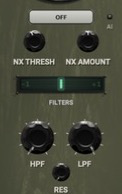
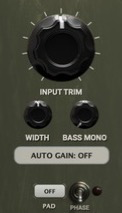
Noise gate and AI noise reduction, HPF/LPF, phase, width, bass mono and input trim live here.
- NOISE X / GATE / NOISE / BOTH
- HPF 20–500 Hz · LPF 1–20 kHz
- TRIM −24 to +24 dB · WIDTH 0–200
ET AUDIO / SIGNAL PROCESSING
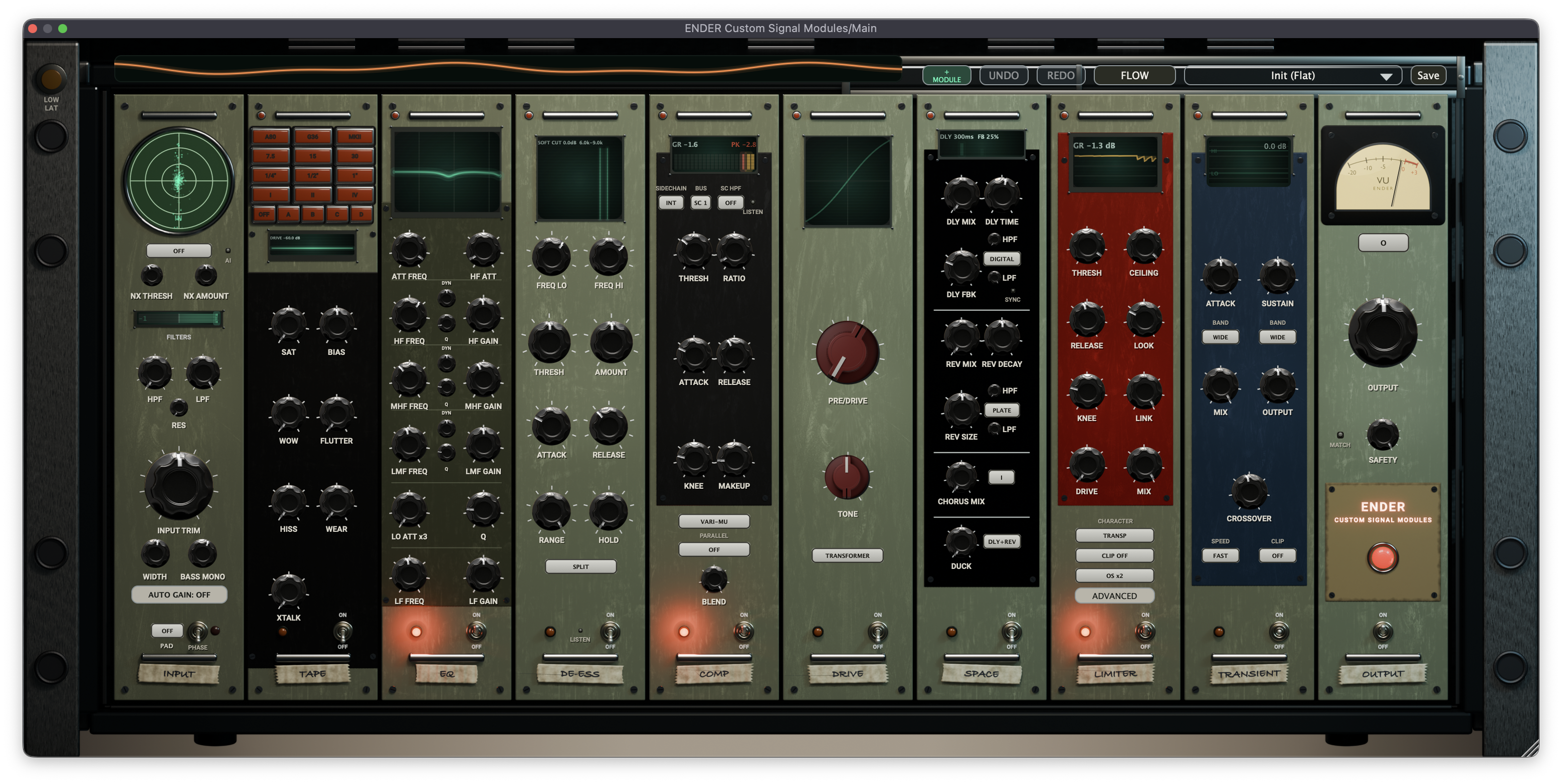
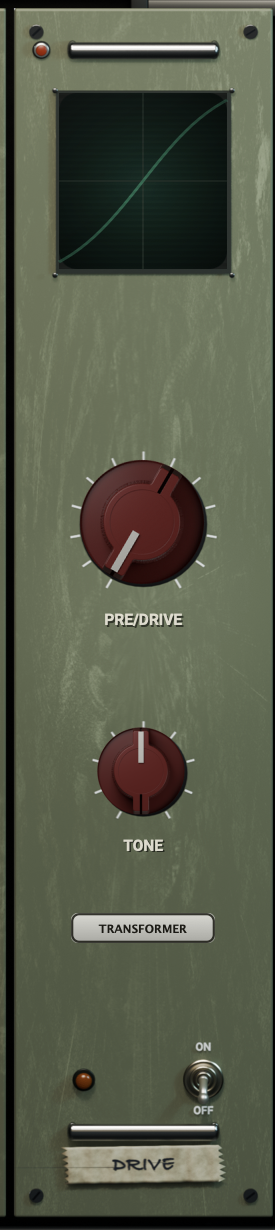
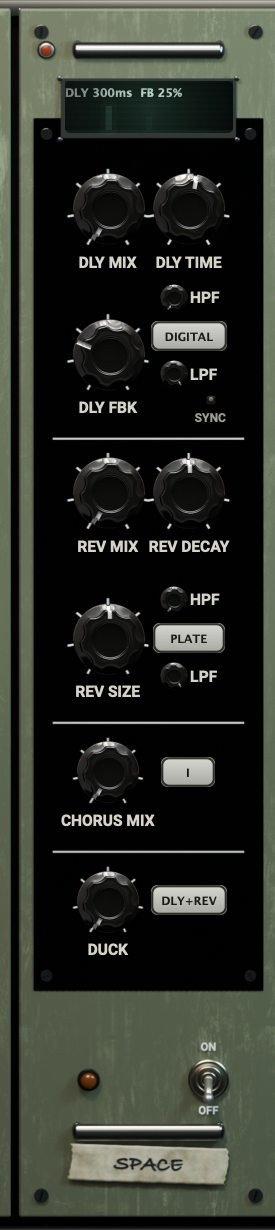
You know the moment: the vocal is almost there, the drums need a little more life, the mix is asking for something you can hear but can’t quite name. Then the plugin hunt begins. ENDER brings eight sound-shaping modules into one rack, so you can stay with the idea and try the next move while it is still alive.
Move a stage. Push it harder. Put it somewhere else in the chain. FLOW keeps the signal in view; your saved chain keeps the discovery within reach next time.
ENDER / 01 — SIGNAL CHAIN08 MODULES / 01 TRACK
Warm the edges. Find the bite. Pull the vocal forward. Let a sound bloom, then catch it before it runs away. Pick a module, make a move, and hear what the track asks for next.
Meet the engineers and producers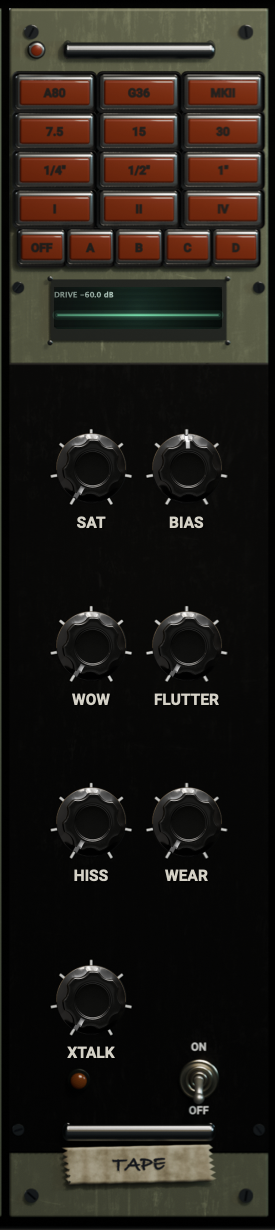
Add tape saturation, wow, flutter, hiss and wear.
BEYOND THE MODULES / THE WHOLE RACK
ENDER is a complete channel path: prepare the input, shape the middle, protect the output. The controls around the modules are part of the sound, not hidden setup screens.
Noise gate and AI noise reduction, HPF/LPF, phase, width, bass mono and input trim live here.
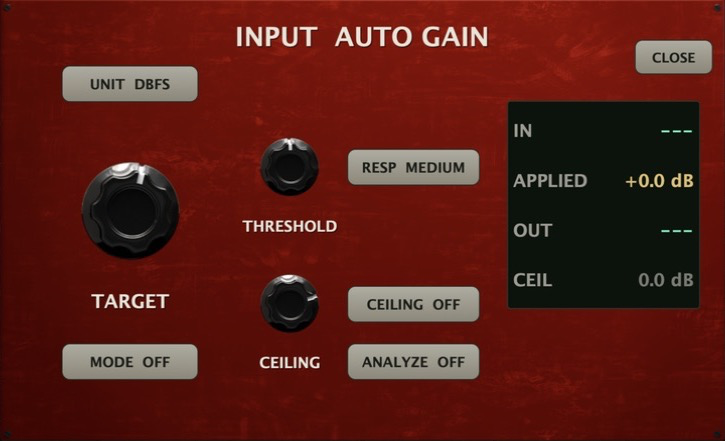
Choose OFF, STATIC or RIDE, set a target in dBFS, RMS, VU or LUFS, then analyze or let the ride follow the performance.



FLOW shows level through every stage without changing the audio. LOW LATENCY bypasses the AI noise network and LIMIT lookahead when you record.
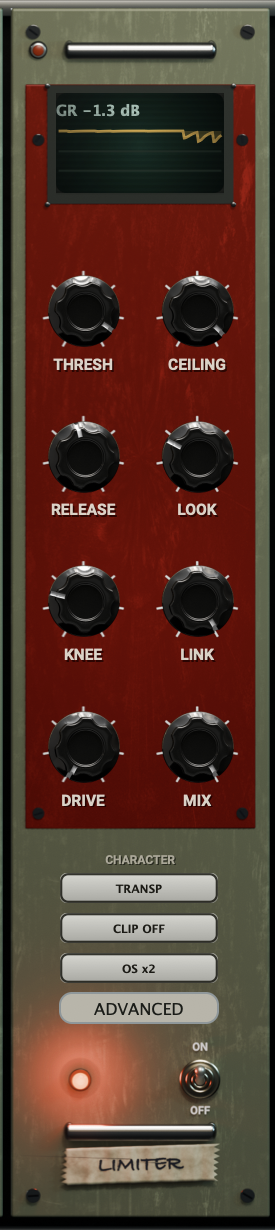
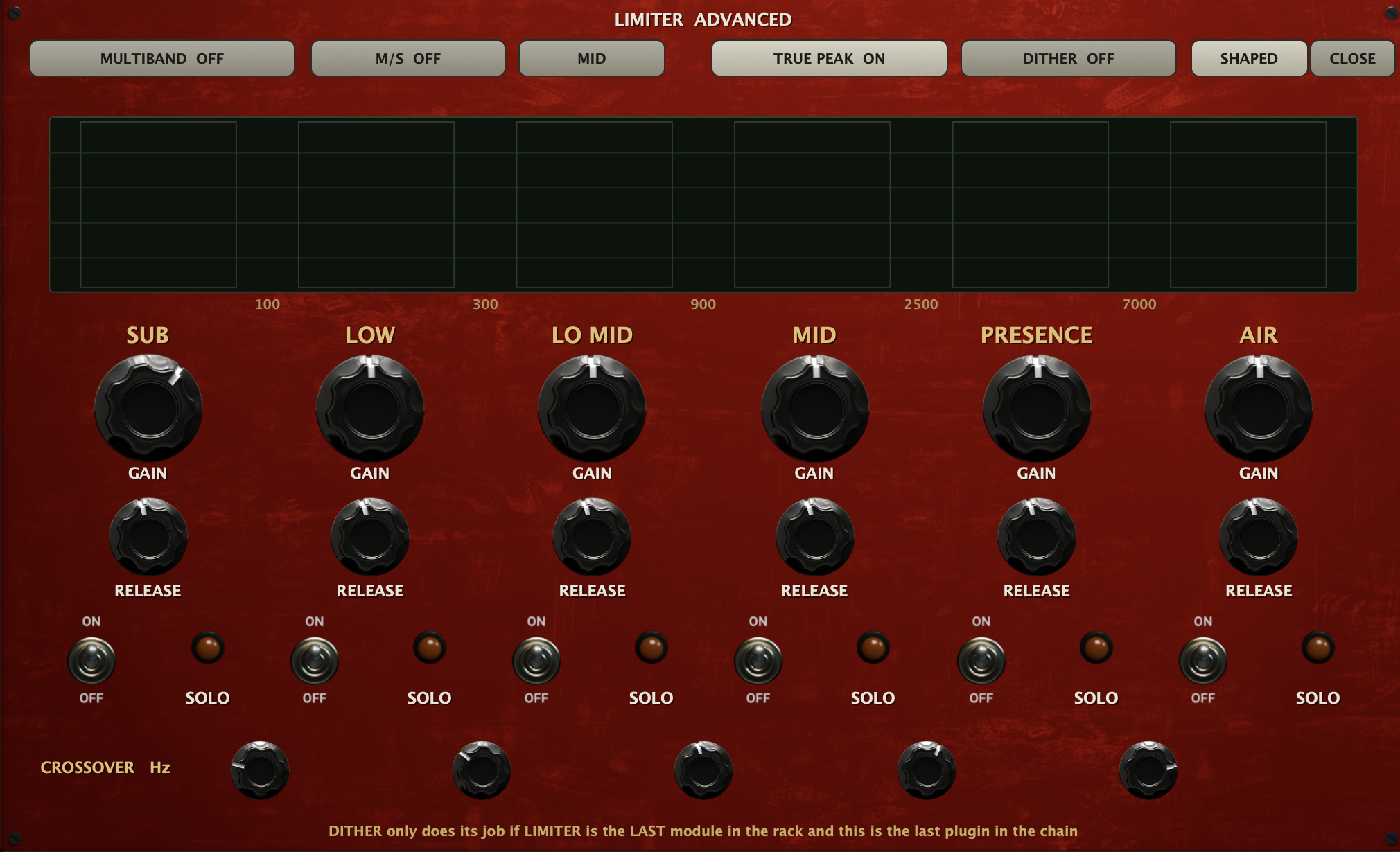 LIMIT ADVANCED
Go beyond a single limiter: multiband, Mid/Side, true peak, dither, oversampling and per-band gain, release and solo.
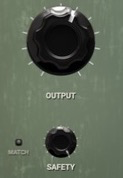
Match input and output for honest A/B decisions, set the final output, and keep SAFETY as the last ceiling against accidental peaks.

Reorder the modules around your track, then save their settings and order as a preset. Return to the chain whenever you need it.
HEAR THE DIFFERENCE / BEFORE & AFTER
Listen to the original recording and the ENDER version. Slide between them and hear what changes.






FROM PLUGIN HUNT TO PLAYING THE MIX
A mix can turn on one small decision. When the chain is easy to reach, you can spend the session chasing the feeling—not reopening the same menus.
The vocal needs warmth. The kick needs to speak. You can feel the mix asking for a move.
Drop in a module, change its place, push it further. Listen to the sound change in context.
When the chain clicks, save the route. Your next session can begin with the sound you found.
WHEN THE IDEA IS HOT
One window becomes six. You’re comparing plugins instead of listening to the track. The feeling that started the session gets quieter with every menu. ENDER puts the essential moves in one rack, ready to rearrange as your ears change direction. Less hunting between tools. More chances to catch that “there it is” moment.
Change the order and hear the whole chain respond.
Stack a stage when one pass leaves you wanting more.
Keep the route behind the sound you want to hear again.
THREE PLACES TO START
Put EQ before compression. Move tape to the front. Let the reverb bloom after the drive. A different order changes how the stages meet—and can open a direction you weren’t expecting. These are invitations, not recipes.
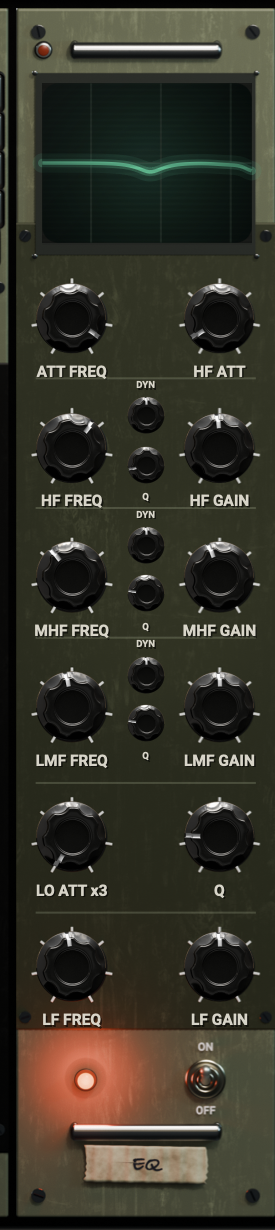
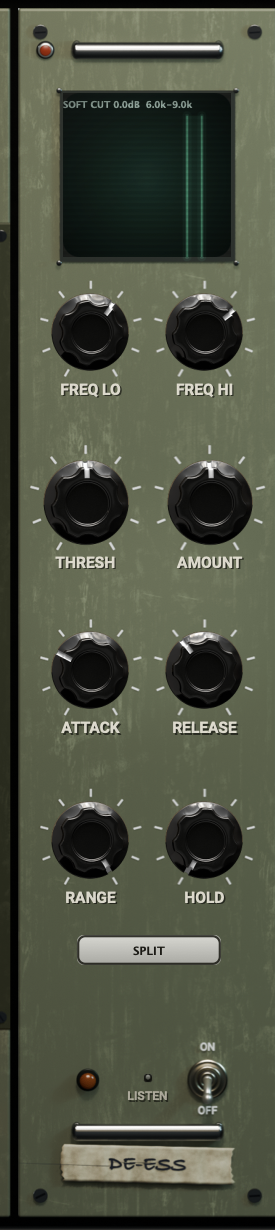
EQ → DE-ESS → COMP
Shape the tone. Tame the sharp edges. Let the performance sit where you want it.
TAPE → DRIVE → EQ
Start with movement and drive, then carve the shape that belongs in the song.
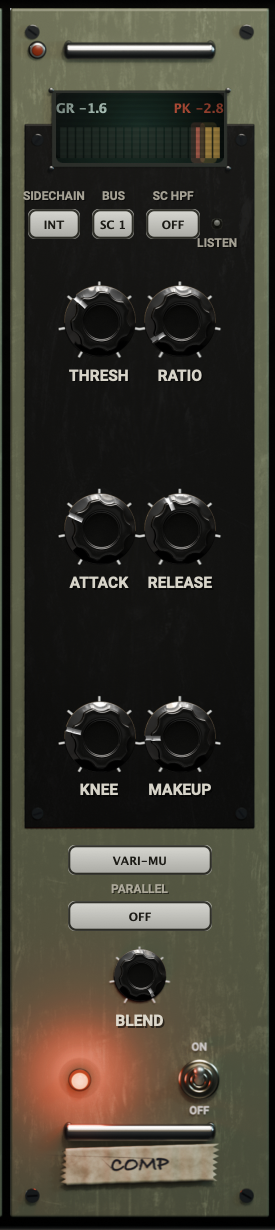
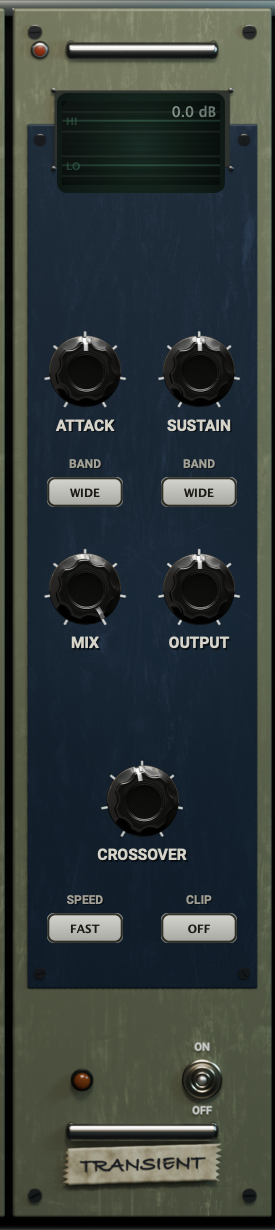
COMP → SPACE → TRANSIENT
Set the weight, open the space and decide how much of the attack stays.
ENDER FLOW / LEVEL THROUGH THE CHAIN
Follow the signal from input to output as it passes through every stage. FLOW gives the chain a pulse you can see while you make the next call by ear.
PRESETS / KEEP THE BREAKTHROUGH
Ten factory presets give you somewhere to begin—not somewhere you have to stay. Push one toward the track, take it apart, build it back differently. Save the version that makes you want to hear the song again.
Load one of 10 factory presets and hear a complete starting chain on your track.
Move a stage. Push a color. Duplicate what’s working. Keep following the version that pulls you in.
Save the settings and module order. Come back to the sound—and the moment you found it.
QUICK DETAILS
GET ENDER / READY WHEN YOU ARE
One rack for the moves that keep a session moving. Get ENDER CSM for macOS and Windows, with activation through ENDER Hub.
ET AUDIO / ENDER
Open the rack. Follow the idea. Stay for the moment it clicks.
Explore the eight modules